
Utilities
AI Private Cleaner App
Storage cleanup for iPhone, plus a PIN-locked vault for photos and contacts.
01Function
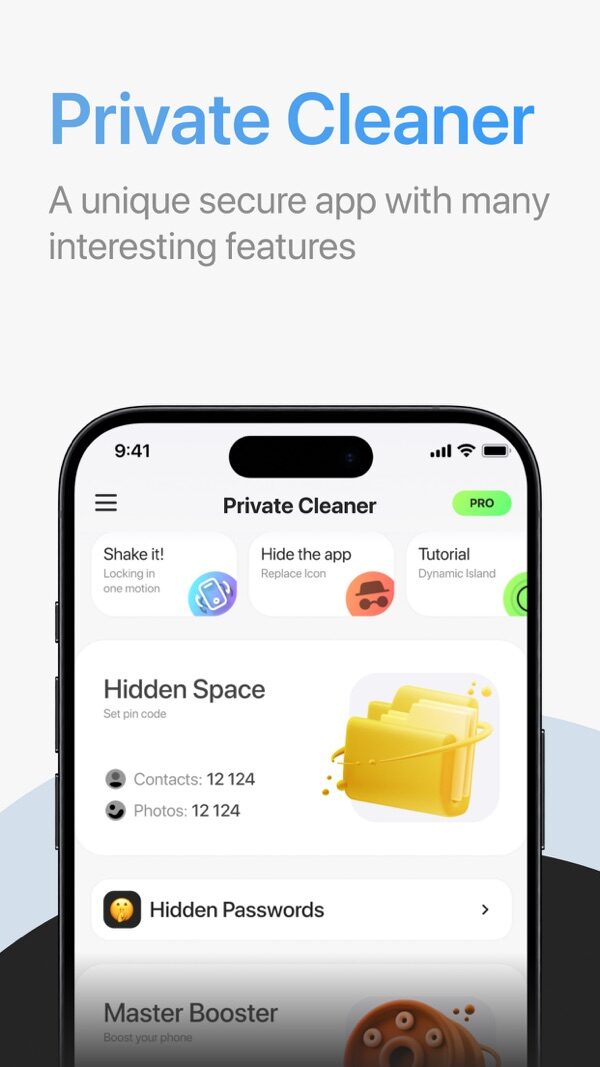
Reads photos and contacts on the device. Sorts probable clutter into groups for fast removal. Adds a PIN-locked vault for items that should stay out of the main gallery.
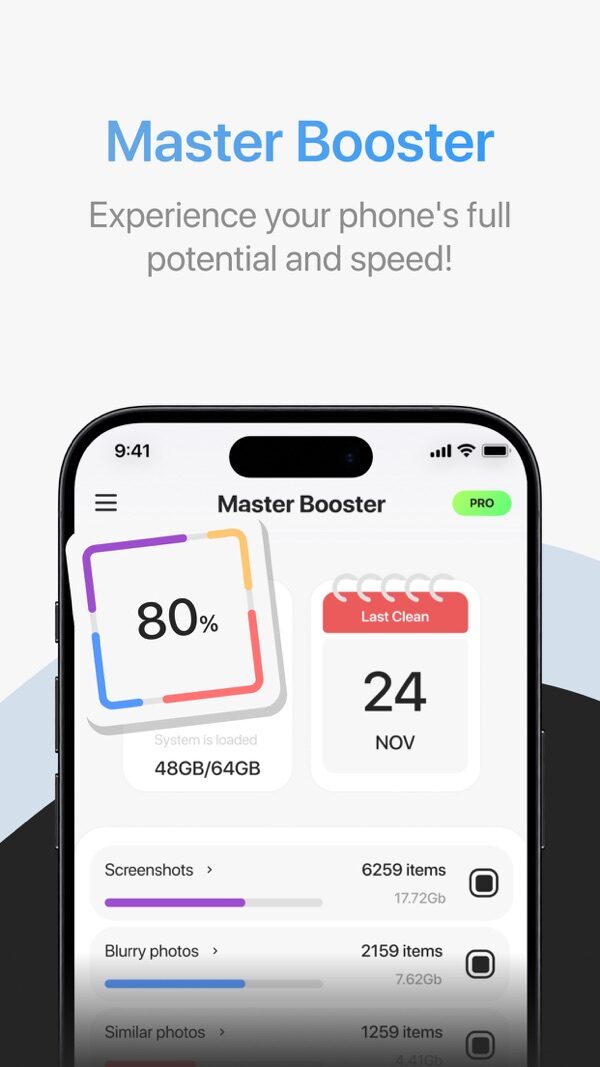
- Storage cleanup. Groups screenshots, blurry shots, similar photos and duplicates. Review a group, then delete it in one batch. Deletion waits for confirmation.
- Contacts cleanup. Flags duplicate and empty contact cards.
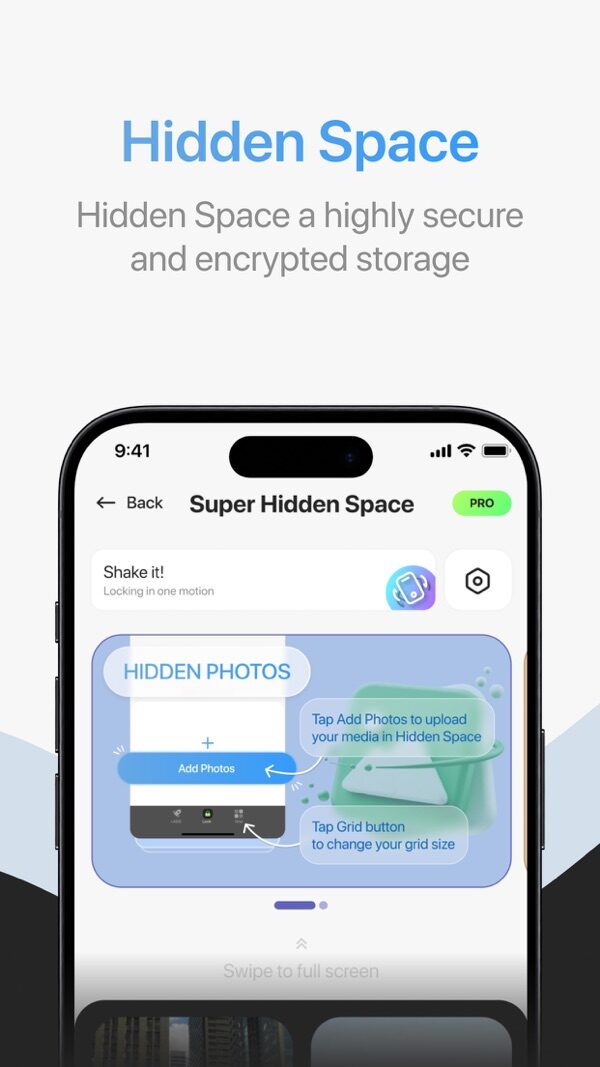
- Hidden space. PIN-locked vault for photos, videos, contacts and passwords. Stored on the iPhone. Shake the phone to lock it.
- Photo enhancement. Upscales a photo and sharpens detail with a machine learning model.
- Alternate icon. Swap the Home Screen icon for a less obvious one.
- Device status. Storage use in the Dynamic Island. Built-in internet speed test.
- Mini-game. Runs during long scans.
02Screens
03Billing
Full access requires an in-app subscription. Plans bill weekly or quarterly. Apple charges the Apple Account on confirmation. Renewal is automatic: switch it off 24 h or more before the term closes. Full terms: Cleaner Terms of Use. To cancel:
- Open Settings → Apple Account → Subscriptions.
- Select AI Private Cleaner App.
- Tap Cancel Subscription. Paid access runs to the end of the term.
Removing the app leaves the subscription active. Refund requests go to Apple: reportaproblem.apple.com.
04Permissions
- photos
- Clutter and duplicate scan, enhancement of a chosen photo, moves into the hidden space.
- contacts
- Duplicate and empty card detection. Hiding selected contacts.
- network
- Speed test and photo enhancement.
- tracking
- Optional iOS prompt. Used only for install attribution.
iOS asks before each permission. Revoke any of them in Settings. Details: Cleaner Privacy Policy · Cleaner Terms of Use · Disclaimer.